Google Search is no longer limited to people typing a few words into a search bar. Users can now search with a photograph, screenshot, camera, voice or a combination of text and images. For website owners, this creates a new question: how can you see whether those visual searches are bringing people to your website?
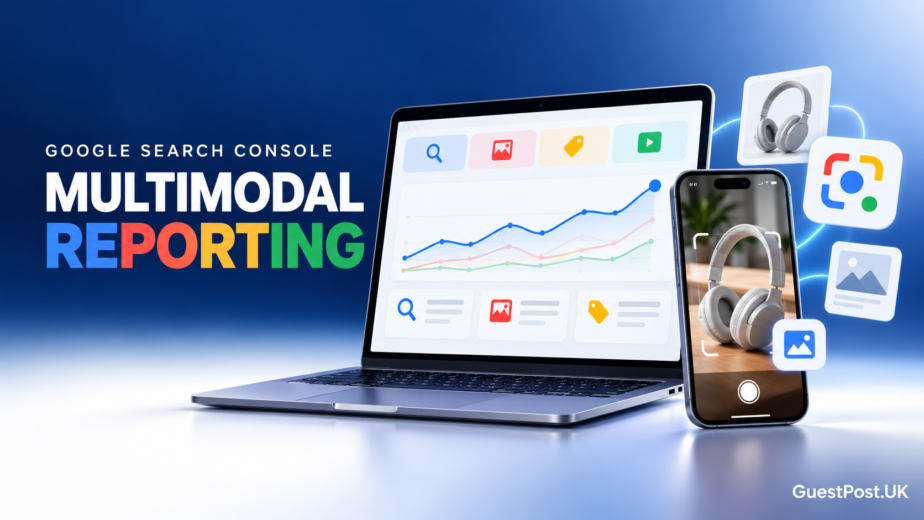
Google has started rolling out web multimodal search reporting inside Google Search Console. The update gives publishers and businesses a clearer view of performance from image-led search experiences, including Google Lens, Circle to Search, image uploads in Google Search and Chrome’s “Search this image” feature.
This matters because visual discovery is becoming part of normal search behaviour. A person may photograph a product, screenshot a competitor, circle an item on their phone screen or upload an image to Google before deciding what to click next. For many websites, especially ecommerce brands, local businesses, travel companies, publishers and service providers with useful visual content, this creates another route to relevant traffic.
Google’s new reporting does not create a separate SEO system. The same foundations still matter: useful pages, crawlable content, clear page context, quality images and strong technical SEO. It simply makes one part of search performance easier to measure.
For a wider understanding of the core reports, start with our Google Search Console guide. If you are already using Search Console for content decisions, our guides to content gap analysis and regex filters are also useful next steps.
What multimodal search reporting shows
The new report adds a multimodal search type filter to Search Console performance data. When your website receives relevant traffic, you can isolate clicks, impressions, CTR and average position from searches where users relied on an image or visual search journey.
That could include:
- A user taking a photo with Google Lens
- Someone using Circle to Search on an Android device
- An image uploaded to Google Search
- A Chrome user selecting “Search this image”
- A search journey that combines visual input with text refinement
The key benefit is not simply seeing another number in Search Console. It is being able to identify which pages and images are helping people discover your business through a visual route.
For example, an ecommerce store may find that category pages with clear product photography receive multimodal impressions. A local service business may discover that before-and-after project images create relevant visits. A publisher may see that original charts, diagrams, comparison graphics or practical screenshots attract users researching a subject visually.
Why this is important for SEO in 2026
Multimodal reporting is especially useful because it aligns with the wider shift toward AI-assisted and visual search. It gives website owners evidence, not assumptions.
Rather than saying “we should add more images”, you can review which pages actually receive multimodal impressions, whether those impressions lead to clicks, and whether the content answers the user’s next question after they land on the page.
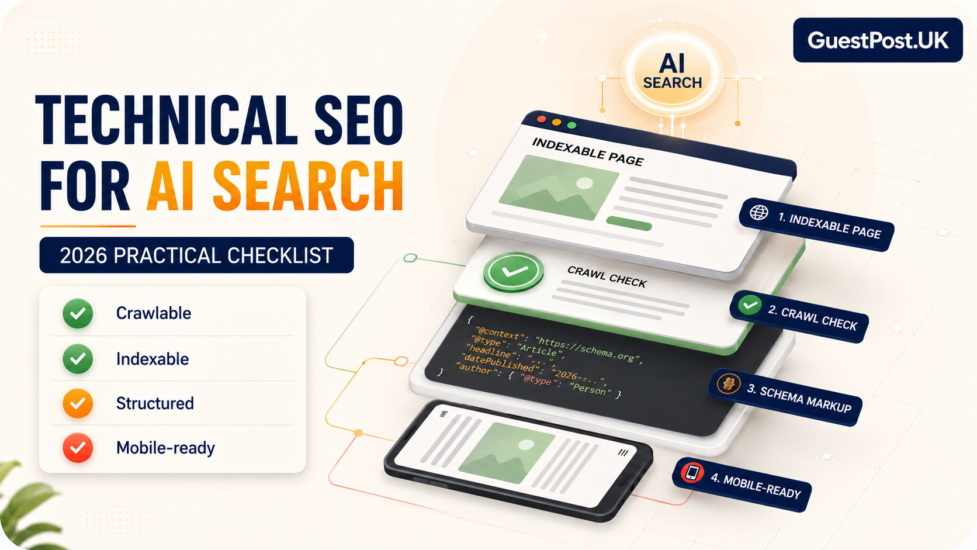
This is also a sensible time to check the technical basics. A useful image cannot help search visibility if the page is blocked, poorly structured or disconnected from the rest of the site. Our technical SEO for AI search checklist explains the on-page and technical signals worth reviewing.
Google’s official announcement confirms that this data is being added to both standard Search performance reports and Generative AI feature reporting as the rollout reaches sites globally.
How to find multimodal performance data in Search Console
Start in the Performance report for Search results. If your property receives traffic from visual search journeys, you should see the new multimodal option in the Search type filter.
Apply the filter, then review the same core metrics you would use for any other search channel:
- Clicks: how many users reached your pages through multimodal search
- Impressions: how often your content appeared in relevant visual-led results
- CTR: whether the result encouraged people to visit
- Average position: where your pages appeared within the reported search experience
- Pages: which URLs are benefiting most
- Queries: the language people use alongside an image-led search
Do not expect every website to see data immediately. The report will only show activity when Google has recorded relevant multimodal traffic for your property. That is still useful: it tells you whether visual search is already a measurable discovery channel, rather than encouraging you to chase a number with no evidence behind it.
Once data appears, compare it with your ordinary Search performance. A page may perform differently when someone searches visually. A product guide, image-rich service page or practical comparison article may receive modest traditional-search traffic but attract highly relevant visitors from Lens or image upload searches.
Our guide to AI search tracking metrics can help you keep this data in context rather than treating impressions alone as a success measure. You can also use branded-query reporting in Google Search Console to separate brand-led discovery from non-branded opportunities.
Pages most likely to benefit from multimodal search
Not every page needs more images. The priority is to create or improve visual assets where they genuinely help a visitor understand a product, place, process or comparison.
The strongest candidates usually include:
- Product and category pages with original, clear product photography
- Local service pages with genuine project images, teams, locations or before-and-after examples
- Travel, food, property and lifestyle guides where visuals add practical value
- Articles using original diagrams, charts, screenshots or step-by-step visuals
- Buying guides that help users compare styles, features, sizes, materials or options
- Publisher and marketplace pages where screenshots or transparent comparison information help a buyer decide
For GuestPost.uk, this does not mean adding random stock photos to every article. It means using useful visual proof where it supports the page. A publisher-quality guide could show a practical evaluation checklist. A tool review could include real screenshots. A guest-posting guide could use a clear process graphic rather than a decorative image.
Use the report to improve existing pages
When you identify a page with multimodal impressions, review the full experience, not just the image itself.
Ask:
- Does the page clearly explain what the image shows?
- Is the image placed beside relevant text?
- Does the page load properly on mobile?
- Is there a descriptive filename and useful alt text?
- Can a visitor quickly take the next step after arriving?
- Does the page link naturally to a deeper guide, tool or service?
This is where visual search and normal SEO work together. Better internal linking helps users continue their journey and helps Google understand the relationship between pages. For example, an image-led content opportunity can lead into a fuller SEO audit, a technical SEO checklist for AI search or a practical AI search visibility measurement guide.
The goal isn’t to optimise an isolated feature. The goal is to make each important page clearer, more useful and easier to discover across the different ways people now search.