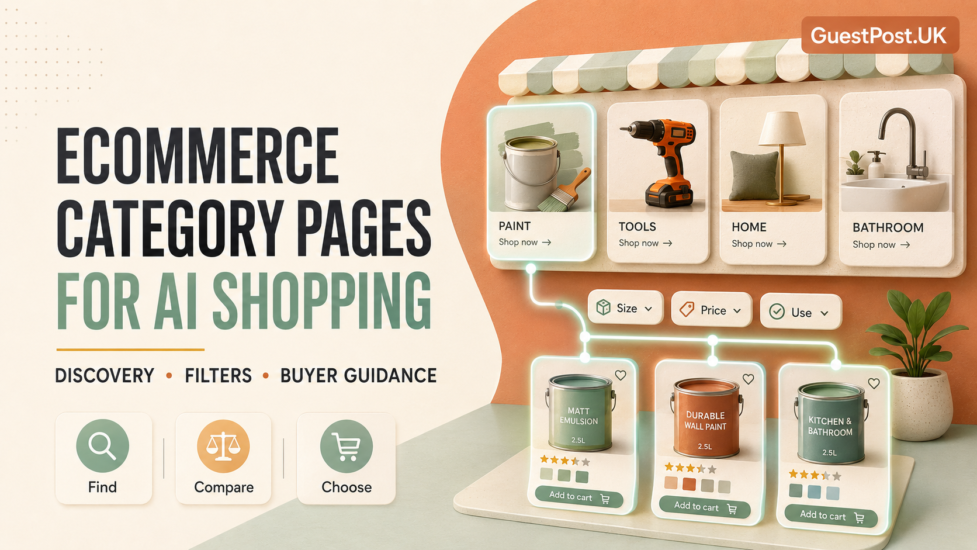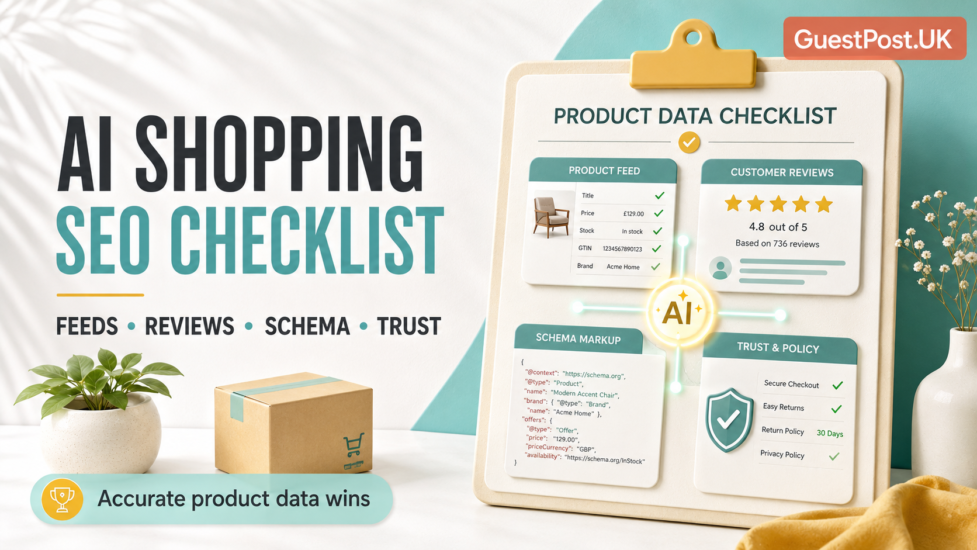
AI shopping is changing the type of information ecommerce websites need to provide.
A shopper no longer has to start with a precise product name. They can ask for a “quiet cordless vacuum for a small flat”, “waterproof outdoor paint for a garden wall” or “a shower door that fits a narrow alcove and prevents leaks”. The AI tool can then refine requirements, compare options and recommend products.
For retailers, the challenge is straightforward: can your product data answer those questions accurately?
Strong AI shopping SEO does not come from adding one plugin or rewriting product descriptions with AI. It comes from making the ecommerce catalogue reliable across the full buying journey: product titles, variants, price, availability, images, delivery, return policy, reviews, merchant feeds and brand information all need to agree.
Google recommends providing both product structured data on ecommerce pages and a Merchant Center feed. Together, they can improve Google’s understanding of products and maximise eligibility across relevant shopping experiences. Google Search Central
This checklist focuses on the product-level information that helps shoppers, search engines and AI-led discovery systems make sense of your catalogue.
Start With Accurate, Complete Product Data
The most important AI shopping SEO task is also the least glamorous: clean product data.
If your feed says an item is in stock, but the product page says unavailable, shoppers lose trust and platforms may limit visibility. If a product title is vague, an AI system has less information to match against a buyer’s question. If the colour, material, size or compatibility data is missing, the product may be excluded from highly relevant searches.
Every sellable item should have a reliable core data set.
| Product field | Why it matters |
|---|---|
| Product title | Helps define what the item is and who it suits |
| Description | Provides use cases, dimensions, material and buyer context |
| Price | Must match the landing page and checkout |
| Availability | Prevents frustrated shoppers and mismatched listings |
| Brand | Helps identify known products and alternatives |
| GTIN, MPN or SKU | Connects the item to accurate product information |
| Images | Support visual search and product confidence |
| Variants | Clarify size, colour, finish, capacity or model differences |
| Shipping and returns | Help buyers assess the real purchase decision |
Google describes product data as including attributes such as title, description, colour, price and availability. Google’s ecommerce documentation
The aim is not merely to fill every column in a spreadsheet. The aim is to represent the product truthfully and consistently wherever it appears.
Improve Product Titles for Real Buyer Language
Product titles are one of the clearest signals in a feed and on a product page. They should help shoppers identify the item without becoming unreadable strings of keywords.
A weak title might be:
Premium Door 900mm
A more useful title could be:
900mm Sliding Shower Door, Clear Safety Glass, Adjustable Chrome Frame
The second version identifies the product type, important size, opening mechanism, glass type and finish. It answers more of the questions a shopper may ask.
A practical title formula is:
Brand + product type + defining attribute + size/capacity + variant or key compatibility
Not every product needs every element. The right balance depends on category.
Use descriptions to answer the next layer of questions
The title identifies the product. The description should explain why a shopper would choose it.
Include genuinely useful details:
- Best use case
- Material and finish
- Fit, dimensions or capacity
- Installation or compatibility notes
- Important limitations
- Included accessories
- Care instructions
- Warranty information where applicable
For building materials, for example, explain surface suitability, coverage, drying time, indoor/outdoor suitability and tools required. For bathroom products, include measurements, fitting direction, adjustment range and sealing requirements.
This information improves conversion and search visibility. It gives an AI-led shopping experience more evidence to match products to practical needs.
Keep Product Feeds and Landing Pages in Sync
A product feed is not a one-off upload. It is an ongoing operational system.
Google Merchant Center can use feeds to understand products more deeply, and it can compare feed details with product-page information. Product feeds are not mandatory for ordinary Google Search visibility, but they are important for certain shopping surfaces, including the Google Shopping tab. Google Search Central
Review your feed regularly for:
- Price mismatches
- Incorrect sale prices
- Out-of-stock products listed as available
- Broken or redirected landing-page URLs
- Missing images
- Incorrect shipping information
- Disapproved products
- Variants submitted as separate unrelated items
- Product identifiers missing where they exist
Merchant Center distinguishes between a product’s approval status and its visibility. An item can be approved but still not visible due to broader account, policy, or store issues. Google Merchant Center Help
This is why an ecommerce team should review product diagnostics rather than assuming a successful feed upload means the work is finished.
Use Stable Product Identifiers
Product identifiers help platforms match your listing, reviews and product data to the correct item.
Where available, use:
- GTIN
- MPN
- Brand
- SKU
For many manufactured products, GTINs are especially valuable. Google notes that GTINs are the most reliable identifiers for matching product reviews to products, while SKU, brand-plus-MPN and URLs can be used in some cases. Google’s product review feed reference
Do not make up GTINs or reuse the same identifier across unrelated products. If you sell own-brand or custom products that do not have global identifiers, follow the relevant Merchant Center guidance for that product type instead.
Treat Product Variants as Connected Choices
Variants are more than colour swatches. Differences in finish, width, voltage, pack size, memory, material, or compatibility can determine whether a product meets the buyer’s needs.
When variants have their own product URLs, ensure each version has accurate data and a clear relationship to the parent product.
Google supports ProductGroup structured data for products that vary by characteristics such as size, colour, material or pattern. This can reduce duplicated common information while clarifying the variant-specific attributes. Google Search Central
For customers, the product page should make it obvious:
- Which variant is currently selected
- Whether the price changes
- Whether stock differs by variant
- Which image represents the selection
- Whether dimensions or technical specifications change
- Whether the chosen version affects delivery time
A shopper should never have to add an item to the basket just to discover that the colour, size or configuration they need is unavailable.
Add Product Schema Carefully
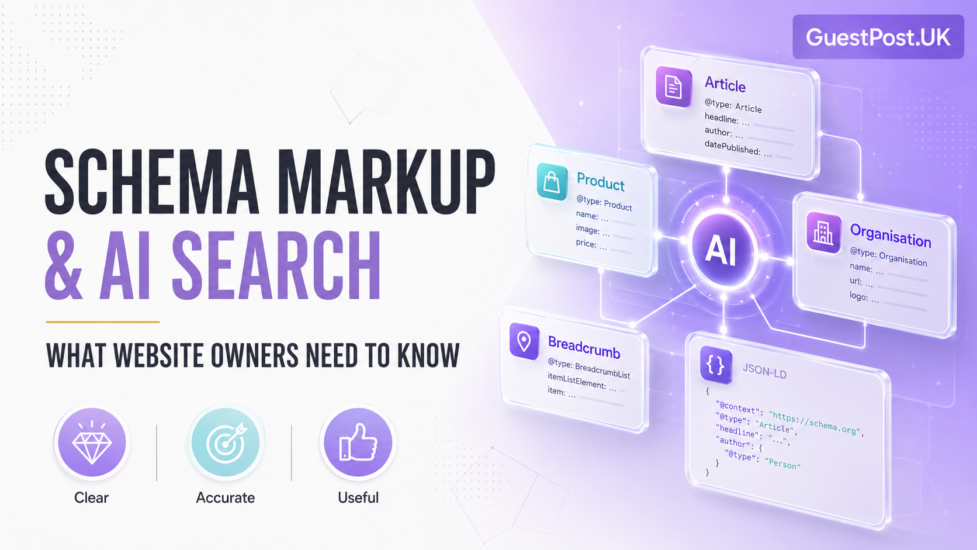
Product schema helps Google understand product pages and can make them eligible for richer product appearances in Google Search, Images and Lens.
For purchasable product pages, merchant listing markup can include useful details such as price, availability, shipping, returns and variant information. Google recommends focusing this product markup on pages for individual products or variants, rather than product category pages. Google’s merchant listing guidance
The essentials should match what a shopper sees:
- Product name
- Image
- Description
- Brand
- SKU
- GTIN or MPN where available
- Offer price
- Currency
- Availability
- Review information where genuine
- Variant data where relevant
Do not add product schema to a page that does not sell a specific product. Do not mark up fake ratings. Do not leave historic pricing or expired offers in your markup.
The earlier schema-markup guide explains this in depth: structured data improves clarity and eligibility, but it does not guarantee an AI mention or a rich result.
Collect Genuine Reviews and Make Them Useful
Reviews are among the strongest sources of buyer reassurance because they often reveal information that the product description does not.
A well-written review can answer questions such as:
- Is the paint easy to apply?
- Does the shower seal prevent splashing?
- Is the drill battery sufficient for home DIY?
- Is the assembly process difficult?
- Does the product match the listed dimensions?
- How quickly did the retailer resolve a delivery issue?
Encourage reviews after purchase, but never reward customers specifically for positive feedback. Do not create review snippets from invented testimonials or import unrelated ratings to a product.
Useful product reviews should include:
- A genuine rating
- Clear product association
- Review text where possible
- Date of review
- Variant context if relevant
- Images from customers where appropriate
For products with known identifiers, accurate GTIN, MPN and brand information also improves the ability to match reviews to the correct product.
Make Images Work for AI Shopping and Visual Discovery
Product images are no longer only a conversion asset. They support discovery through image search and visual-shopping experiences.
A strong image set should include:
- A clean primary product image
- Multiple angles
- Close-ups of key details
- Scale or dimension context where useful
- In-situ images where they genuinely help
- Variant-specific images
- Consistent backgrounds and lighting
- Descriptive alt text
Google states that Google Images uses images listed in Merchant Center, while Lens can use product details uploaded through Merchant Center and image structured data where available. Google Search Central
Avoid using images that do not represent the item being sold. If a product includes accessories, show what is included and what is not. This simple clarity reduces returns and helps buyers trust the listing.
Publish Clear Shipping, Delivery and Returns Information
AI shopping prompts increasingly include conditions such as “available this week”, “free delivery”, “can be returned”, “local pickup” and “under a certain total cost”.
A good product is not enough if the purchase conditions are unclear.
Make shipping and returns information visible on product pages and easy to access across the site. Include:
- Delivery regions
- Estimated dispatch and delivery times
- Delivery charges or thresholds
- Collection options
- Return window
- Return costs
- Exclusions for made-to-order or hygiene-sensitive products
- Warranty conditions
- Customer-service contact details
Google’s product features can use shipping, availability and return information in appropriate search experiences. Google’s product structured data guide
Accuracy matters more than adding every optional field. If delivery estimates vary, explain the conditions clearly.
Build Brand Signals That Reduce Buyer Uncertainty
AI shopping SEO is not only about catalogue feeds. Buyers need to know who is selling the product and whether the retailer is credible.
Make the following information easy to find:
- Business name and legal details
- Contact information
- Physical address or showroom details, where relevant
- Secure payment options
- Returns policy
- Warranty policy
- About page
- Customer support hours
- Independent reviews or recognised accreditations
- Clear privacy and terms pages
For an ecommerce business with a physical shop, keep Google Business Profile, website contact details and Merchant Center information consistent. For a specialist retailer, demonstrate expertise through useful buying guides, installation advice, comparison content and product-specific support.
A customer researching a bathroom renovation is more likely to trust a retailer that explains fitting widths, seal types and delivery arrangements than one that provides only a price and a generic product title.
Audit the Checkout Journey, Not Just the Listing
A product may be visible in AI shopping and Search, yet still fail commercially if the landing page or checkout creates friction.
Test the journey from a mobile phone:
- Find a product by category or by search.
- Select the correct variant.
- Check stock, delivery and return details.
- Add the product to the basket.
- Review the total price.
- Reach checkout without forced account creation where avoidable.
- Confirm payment, delivery and contact options work.
Merchant Center can disapprove products where landing pages are unavailable or checkout URLs are incorrect. Google Merchant Center Help
An AI shopping strategy cannot compensate for a confusing basket or a product page that changes prices unexpectedly.
The Product-Readiness Pattern to Watch
The most useful graph-style view follows the product data from source to sale:
- Cleaner feed data → more approved and visible products → wider eligibility across shopping surfaces.
- Better titles, descriptions and identifiers → stronger matching to detailed shopping queries.
- Accurate schema and landing-page data → fewer mismatch issues and more reliable product understanding.
- Clear reviews, images and policies → higher product-page confidence and conversion quality.
- Growing product visibility with weak sales → investigate price competitiveness, shipping conditions, product presentation and checkout friction.
Do not judge success by one metric. Monitor Merchant Center diagnostics, organic product-page traffic, product impressions, click-through rates, add-to-basket behaviour, revenue and return rates together.
A Monthly AI Shopping SEO Routine
For a manageable ecommerce operation, review this list once a month:
- Check Merchant Center for disapprovals, warnings and visibility issues.
- Compare feed prices and availability against the live website.
- Review top-selling and high-margin product titles.
- Confirm key variants have correct images and data.
- Test product schema on a sample of priority pages.
- Check new reviews and resolve recurring customer concerns.
- Verify shipping and returns information.
- Review image quality for priority products.
- Inspect mobile product pages and checkout.
- Analyse product queries and landing pages that are gaining impressions in Search Console.
For larger stores, automate as much validation as possible, but keep human review for the products that generate the most revenue, returns or customer support requests.
Make Every Product Easy to Understand and Easy to Buy
The strongest AI shopping SEO strategy is not a collection of technical tricks. It is disciplined ecommerce management.
When product feeds, product pages, structured data, reviews, images and service policies tell the same accurate story, search systems have more confidence in the catalogue, and shoppers have more confidence in the retailer.
That consistency improves far more than visibility. It helps the right customer find the right item, understand it quickly and complete the purchase with fewer doubts.