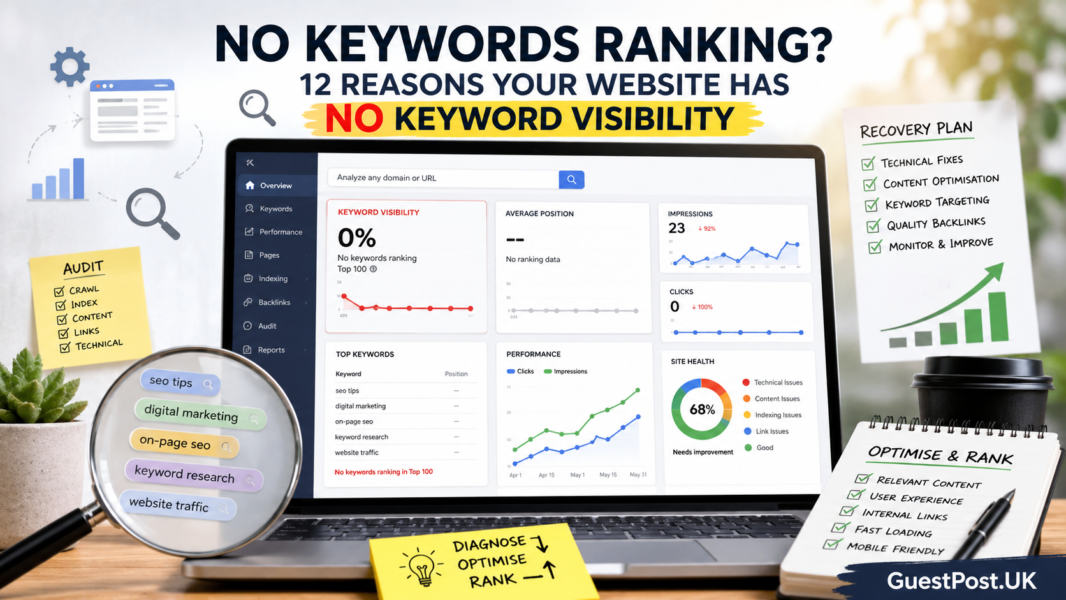
Not every traffic decline is caused by a Google update, a technical fault, or a manual penalty. Often, a once-successful page simply becomes less useful, less current or less competitive over time.
This is known as content decay: a gradual drop in rankings, impressions and organic traffic. It can affect old blog posts, service pages, comparison articles, statistics pages and even content that still looks good at first glance. A regular SEO content audit helps you spot these pages early, before a small decline becomes a missed-revenue problem.
What content decay looks like
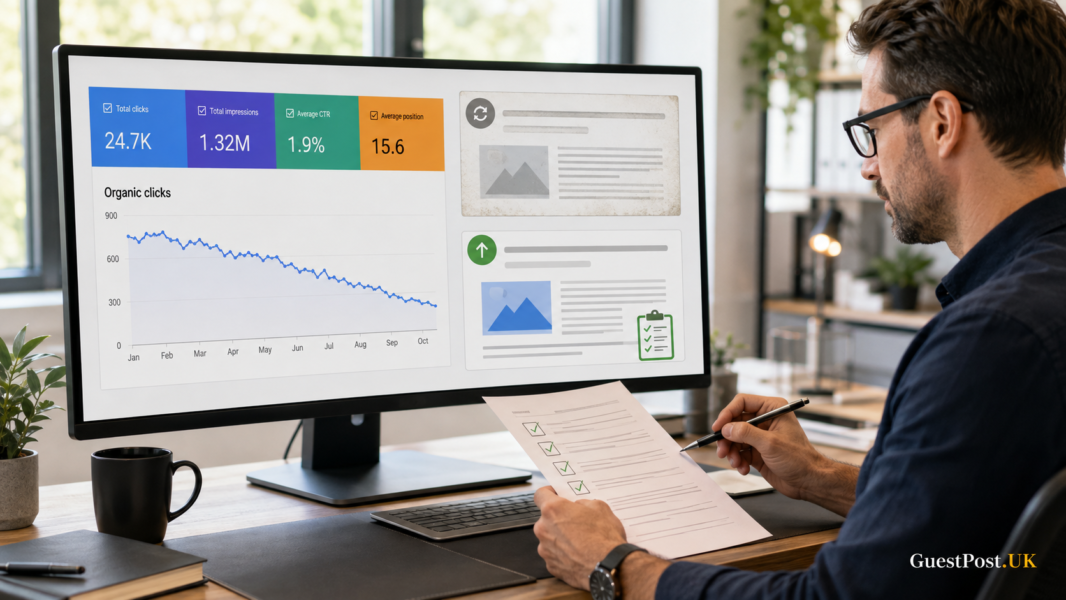
Content decay is usually gradual. A page that once brought 1,000 organic clicks a month may slip to 800, then 600, then 350. Because the decline is slow, it is easy to miss when you only check overall site traffic.
Common causes include:
- Competitors publishing a more complete or recent answer
- Outdated statistics, prices, screenshots or recommendations
- A search-intent change
- Falling click-through rate from the search results
- Lost internal links or external backlinks
- Several pages on the same site targeting the same topic
- Content that answers the keyword but no longer helps the reader properly
The goal is not to refresh every old page. It is to identify pages where an update can realistically protect or recover meaningful traffic.
Start in Google Search Console
Open Performance, choose Search results, then select a longer comparison period. For established websites, compare the last three months with the previous three months. For seasonal pages, compare the same period year-on-year as well.
Google Search Console lets you compare date ranges, then filter and group results by page, query, country, device and search appearance. Google’s Performance report guidance is useful if you need a refresher on the data.
First, go to the Pages tab and sort by the difference in clicks. You are looking for URLs with a noticeable fall in clicks or impressions, especially pages that previously performed well.
Do not assume every declining URL needs editing. A page about an event, an old product, or a dated news story may naturally lose interest. Prioritise evergreen or commercially valuable pages that continue to attract visitors.
Separate the pages into four groups
A quick classification prevents random content updates.
| Group | What you see in Search Console | Likely next step |
|---|---|---|
| Declining traffic and impressions | Visibility itself is falling | Review relevance, freshness and competitors |
| Stable impressions, lower clicks | Searchers see the page but choose other results | Improve title, meta description and search-intent match |
| Stable clicks, lower position | The page may be losing ranking strength | Review quality, links and competing pages |
| Falling branded traffic only | Lower brand demand, not necessarily content decay | Check wider marketing and reputation signals |
If you use the branded-query filter, remove branded queries when auditing discovery content. This stops a fall in brand searches from masking the performance of your non-branded SEO pages. Our guide to Google Search Console branded queries explains how to make that split.
Find the query that changed
Click on a declining page, then switch to the Queries tab. Compare the same date ranges again.
Look for three patterns.
The main keyword has fallen
If the page has dropped for its primary query, search that term yourself and review the current results. Are competitors offering newer data, clearer comparisons, better examples, video, product information or a more direct answer?
New queries are replacing old ones
Sometimes the page is still visible, but Google now associates it with less useful or lower-volume searches. This can signal that the topic, page structure or intent match needs attention.
Impressions remain high, but CTR drops
A fall in click-through rate can happen when competitors improve their titles, a search feature appears, or the page title becomes less compelling. Rewrite the title and meta description only if the page still matches the query. Do not make exaggerated promises simply to chase clicks.
Review the page like a visitor would
Open the article or landing page and ask practical questions:
- Does the opening answer the query quickly?
- Are the important details still accurate?
- Does the content include original examples, experience or useful evidence?
- Are statistics, tool features, prices and screenshots current?
- Is the advice now too general compared with what searchers need?
- Are there broken external links or out-of-date internal links?
- Does the page lead naturally to a relevant next step?
Google recommends keeping published content up to date and removing it if it is no longer relevant. It also warns against changing dates merely to make pages look fresh without a meaningful improvement. Google’s SEO Starter Guide makes the distinction clear.
A proper update should improve the reader’s experience, not just add a paragraph and change the publish date.
Decide whether to refresh, merge, redirect or leave it alone
There is no single fix for every declining page.
Refresh
Choose this when the page targets a useful topic, has existing rankings or backlinks, and can be improved with current information, better structure, stronger examples or clearer intent.
Merge
If two articles address almost the same question, combine the best material into a single, stronger resource. Keep the most appropriate URL, use a 301 redirect for the weaker duplicate and update internal links.
Redirect
Use a redirect when the old page has a clear replacement. For example, an outdated tool comparison can redirect to a current version covering the same intent.
Leave it alone
A small drop is not always a problem. Some pages are seasonal, news-led or too low-value to justify work. Use your time where the opportunity is real.
Add internal links during every refresh
An updated article should not sit alone. Link from relevant service pages, category hubs and supporting articles to reinforce its importance and help visitors continue their journey.
For instance, a refreshed guide on website architecture could link to internal linking services and a relevant technical SEO resource. A declining guest-posting article might need links from your guest-posting hub, quality checklist and backlink guides.
This is also a good time to check whether the updated page should link outward to a newer related article. Strong internal linking improves navigation and clarifies the relationships between your content.
Create a simple monthly content-decay routine
You do not need a huge spreadsheet or a full-site rewrite every month. A sensible process is:
- Compare Search Console performance for the previous three months.
- Export the biggest losing evergreen pages.
- Check the top queries and current search results for each priority URL.
- Choose one action: refresh, merge, redirect or leave.
- Record the update date and monitor results after four to eight weeks.
Content maintenance is one of the most reliable ways to improve SEO without publishing endless new posts. The pages that already have history, links, and impressions are often the quickest opportunities to improve when done properly.
For a structured review of declining pages, keyword opportunities and technical issues, explore our SEO audit service and keyword gap analysis.