SEO agencies spend a surprising amount of time moving information between tools. Search Console exports go into spreadsheets, content briefs are copied into documents, leads are added to CRMs, outreach responses are manually tagged, and monthly reports are rebuilt from scratch.
AI automation tools can reduce that repetitive work. They connect apps, trigger actions, and increasingly use AI to classify data, summarise findings, draft outputs, and route tasks to the right person.
The important word is “assist”. Automation should remove admin, not remove judgement. An agency still needs specialists to check keyword intent, approve content, assess publishers and explain performance honestly to clients.
n8n, Make, Zapier and Gumloop are four of the strongest options in 2026. Each has a different balance of flexibility, ease of use, integrations, pricing and AI capability.
n8n vs Make vs Zapier vs Gumloop at a glance
| Tool | Best for | Starting price | Main strength | Main consideration |
|---|---|---|---|---|
| n8n | Technical agencies and custom workflows | From about €50/month cloud; self-hosting available | Flexible logic, API connections and self-hosting | Requires more technical confidence |
| Make | Visual multi-step agency workflows | Free plan; paid plans from low monthly pricing | Excellent visual builder and data transformation | Credit usage can grow with complex scenarios |
| Zapier | Fast, simple app connections | Free plan; Professional from $19.99/month annually | Huge integration library and easy setup | Task-based costs can rise at scale |
| Gumloop | AI-first research and agent workflows | Pro from $37/month | AI agents, web research and document workflows | Credit use and AI workflow design need monitoring |
Pricing and limits change regularly, so always confirm the current plan before committing. The most important comparison is not the entry price; it is how the platform charges once an agency has several clients, high-frequency triggers and AI steps running.
n8n: best for flexible SEO agency systems
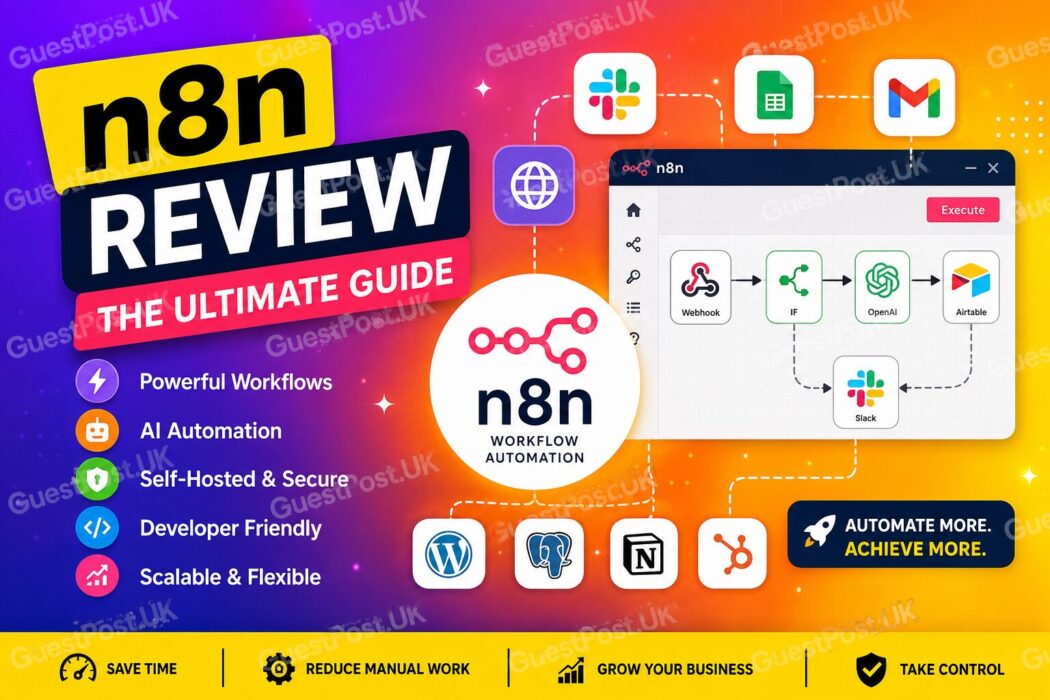
n8n is a strong choice for agencies that want more control over their automations. It supports visual workflow building, custom API connections, AI workflows and self-hosting.
Its biggest advantage is flexibility. A typical agency may need to connect tools that lack a neat pre-built integration, enrich data from several sources, or add custom conditions based on a client’s campaign status. n8n is well-suited to that level of logic.
A useful n8n workflow could:
- Pull new Google Search Console data
- Identify pages with falling clicks
- Compare results with a keyword-tracking export
- Send priority URLs to an AI analysis step
- Create a task in ClickUp, Notion or Asana
- Notify the account manager in Slack
- Add the finding to a reporting sheet
n8n pricing is based on workflow executions rather than individual steps, and plans include unlimited users and workflows. This can make it attractive for complex agency processes. Self-hosting also gives organisations greater control over data, although it creates responsibility for hosting, maintenance, backups and security updates.
Best use cases for n8n
- Bespoke reporting workflows
- Internal SEO data pipelines
- API-heavy client systems
- Technical audits and crawling exports
- Secure or self-hosted automation requirements
- Agencies with developer support
n8n is not the quickest choice for a non-technical team that only wants a simple form-to-spreadsheet workflow. It rewards agencies willing to invest in proper setup and documentation.
Make: best for visual workflow design
Make is one of the best automation platforms for agencies that want to build complex workflows without writing much code. Its visual scenario builder makes it easy to see how data moves from one step to the next.
That is particularly useful for SEO teams because many processes involve branching and conditional logic. A content brief workflow may need to treat a local landing page differently from a product page. An outreach workflow may need to stop automatically when a publisher replies. A reporting workflow may need separate paths for positive movement, weak data and technical alerts.
Make charges by credits, with each module action counting as a credit. It has a free plan, and paid plans scale as the business needs more operations. This is affordable for moderate use, but agencies should monitor usage carefully when scenarios run frequently or contain many individual steps.
Best use cases for Make
- Content production workflows
- Spreadsheet, CRM and project-management connections
- SEO reporting preparation
- Lead routing and qualification
- Outreach pipeline management
- Multi-step client onboarding
A practical example would be a new content workflow: a strategist approves a topic in Airtable, Make creates a brief document, sends the outline to the assigned writer, adds deadlines to a project board and notifies the editor when the draft is ready.
Make is generally easier to learn than n8n, but it may become expensive if poorly designed scenarios waste credits. Build, test and review each workflow before turning it on for every client.
Zapier: best for simple, fast automations
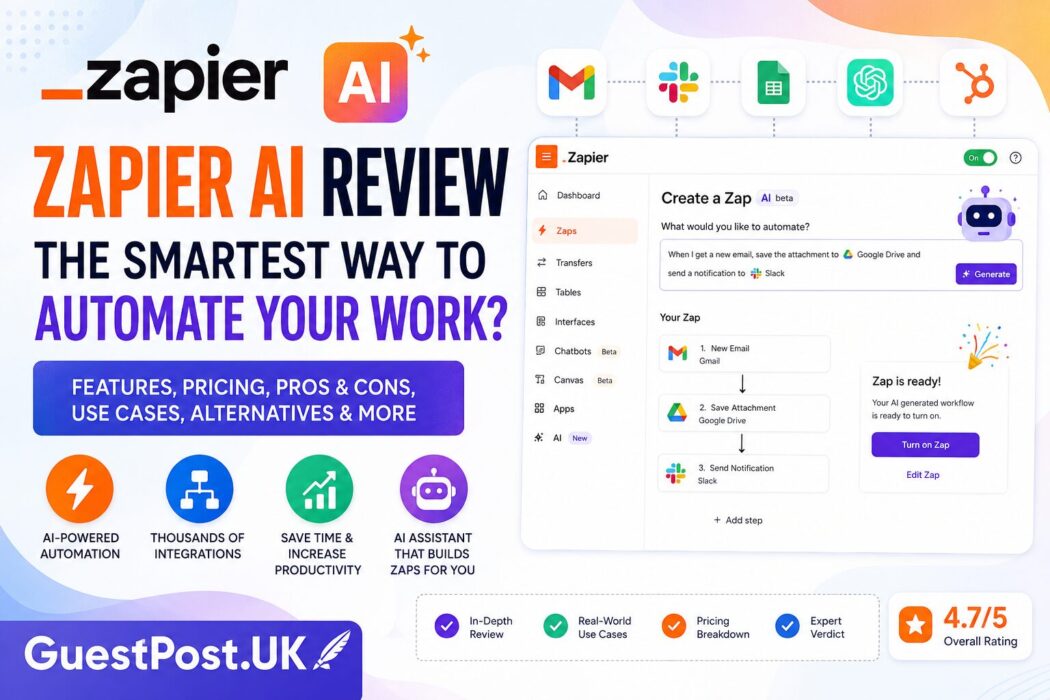
Zapier remains the easiest starting point for many agencies. It connects more than 9,000 apps and is designed for users who want to automate common tasks quickly without technical setup.
A small agency can use Zapier to:
- Add new enquiry forms to a CRM
- Send lead notifications to Slack
- Create folders when a client is signed
- Add content deadlines to a project tool
- Save outreach replies to a spreadsheet
- Trigger a reporting reminder at month-end
Zapier’s Professional plan starts at $19.99 per month when billed annually, with task limits that determine the total cost. It is excellent for straightforward workflows, but task-based pricing can become a consideration when an agency automates large numbers of actions across several clients.
The platform also includes AI-focused features, agents and workflows, but check task usage carefully. AI steps can consume more capacity depending on the model tier and workflow design.
Best use cases for Zapier
- Quick agency operations automation
- Connecting well-known SaaS tools
- Small teams without a technical resource
- Simple client onboarding
- Lead alerts and CRM updates
- Testing a workflow before investing in a larger system
Zapier is usually the best option when speed and ease matter more than deeply customised logic.
Gumloop: best for AI-first agency workflows
Gumloop is built around AI agents and workflows. It is particularly useful when the process involves researching the web, reading documents, extracting structured information or producing an AI-assisted output.
For SEO agencies, that opens up more interesting use cases than standard “when this happens, send that” automation.
A Gumloop workflow could review a list of competitor URLs, extract recurring themes, categorise page types, identify content gaps and send the strategist a structured research summary. Another could analyse an outreach prospect list, collect relevant context from each website and prepare a personalised draft for human approval.
Gumloop’s Pro plan starts at $37 per month and includes AI models, agent tools, credits and unlimited seats. Its pricing is credit-based, so agencies should understand what each model call, enrichment process and agent run costs before scaling.
Best use cases for Gumloop
- Competitor and SERP research
- Content brief preparation
- Prospect research and enrichment
- AI-assisted document analysis
- Turning messy data into structured summaries
- Internal knowledge workflows
Gumloop is not a replacement for SEO tools such as Search Console, Ahrefs or Semrush. It works best as the layer that helps your team interpret, organise and act on data from those systems.
The best automation workflows for SEO agencies
The right tool matters less than selecting the right process to automate first.
Start with tasks that are repetitive, rules-based and easy to review. Good examples include:
| Workflow | Automation role | Human quality check |
|---|---|---|
| Monthly reporting | Pull data and prepare a draft summary | Validate context and recommendations |
| Content briefs | Gather inputs and build a first brief | Set angle, proof and internal links |
| Technical issues | Group crawl or indexation findings | Verify severity and implementation |
| Outreach lists | Research and categorise prospects | Check quality and personalise pitch |
| Client onboarding | Create folders, tasks and reminders | Confirm scope and access |
| Lead handling | Route forms and send notifications | Qualify lead and respond personally |
For content operations, pair automation with your SEO content brief generator. For reporting, use it to prepare the data, then make sure the account manager explains what changed rather than sending an unedited AI summary.
How to choose the right platform
Choose n8n if you need custom integrations, advanced logic, self-hosting or workflows that a technical team will maintain.
Choose Make if your agency needs a visual builder for multi-step processes, data routing and day-to-day operations.
Choose Zapier if you need quick, reliable connections between common apps and want the easiest learning curve.
Choose Gumloop if research, document analysis and AI-agent workflows are central to the process rather than an added feature.
Many agencies eventually use more than one. For example, Zapier may handle quick CRM notifications while n8n runs a data-heavy reporting system. Gumloop may prepare competitor research that feeds into a Make content-production workflow.
Avoid these automation mistakes
Automation can create more work when it is poorly planned. Avoid:
- Automating outreach emails without personal review
- Publishing AI-written content without editorial checks
- Letting a workflow make technical site changes automatically
- Using unverified AI data in client reports
- Building a complex system before proving the workflow manually
- Forgetting to monitor credit, task or execution usage
- Giving broad access to client data without proper controls
Keep sensitive credentials secure, use the minimum permissions needed and document who owns each workflow. For self-hosted systems, apply updates promptly and protect public endpoints.
Build an agency automation stack that stays useful
Begin with one workflow that saves a clear amount of time every week. Measure the number of manual hours it removes, the errors it prevents and the quality of the final output.
Then add an approval point before any client-facing action. For example, an agent can draft a monthly report, but a strategist should validate the claims. An automation can suggest outreach prospects, but a specialist should assess each publication before contact.
The best automation stack does not make an agency feel robotic. It gives the team more time to build strategies, create stronger content, assess genuine publisher opportunities and deliver a better service to clients.