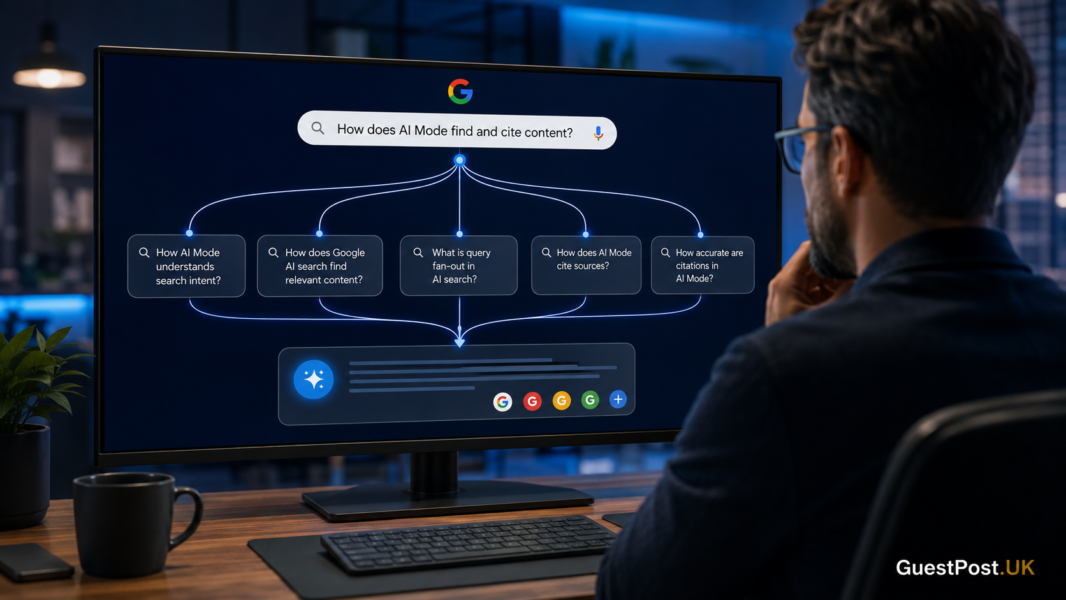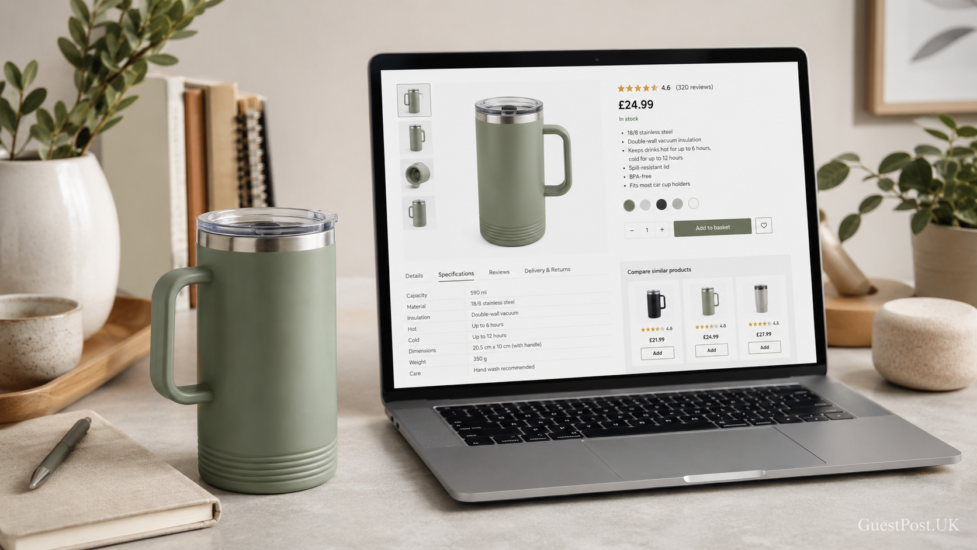
Google’s AI shopping experiences are changing how people research products. A shopper may ask for “a lightweight waterproof jacket for commuting” or compare two options before they ever search for a specific product name. Your product page needs to answer those questions clearly—not just display a price and an Add to Basket button.
The foundations remain the same as strong ecommerce SEO: useful pages, crawlable content and a good shopping experience. Google says there are no special requirements or secret optimisations for appearing in AI Mode; pages still need to be indexable and eligible to appear in standard Search. The opportunity is to make each product page genuinely useful when Google retrieves sources for complex shopping queries.
Treat each product page as a decision page
A thin manufacturer description is rarely enough. AI-led shopping searches often involve several needs at once: product type, use case, budget, material, size, compatibility, delivery and returns.
Your page should make the answers easy to find. For every important product, include:
- A clear product name that matches how customers describe it
- A concise explanation of who it is for and what problem it solves
- Accurate specifications, dimensions, materials and compatibility details
- Price, stock status, delivery information and return terms
- Original images that show the real product from useful angles
- Genuine customer feedback where available
This is not about stuffing extra keywords into a template. It is about removing uncertainty before a buyer needs to ask it.
For example, “Stainless Steel Travel Mug” tells Google and the customer very little. “Leakproof 500ml Stainless Steel Travel Mug for Car Commutes” gives meaningful context. The page should then support that promise with lid details, cup-holder fit, insulation time, cleaning advice and real images.
Make your product data consistent everywhere
Google’s merchant listing documentation explains that product markup can communicate details such as price, availability, shipping and returns in eligible Search experiences. That information must agree with what a customer sees on the page.
Check that your website, product feed and structured data all use the same:
- Product title and brand
- Current price and sale price
- Availability
- GTIN, MPN or SKU where applicable
- Variant attributes such as colour, size or capacity
- Shipping and return information
Inconsistent data causes more than technical warnings. It can create a poor customer experience when someone clicks an attractive product result only to find a different price or an unavailable item.
If you sell products with several colours or sizes, do not leave Google guessing. Product variant markup helps clarify that related options belong to a single product group while retaining their individual attributes. This matters especially for fashion, furniture, electronics and any store where a variant can change the price, image or availability.
Write product copy that answers comparison questions
AI Mode is particularly useful when people are exploring rather than simply buying. That means your product page should help a buyer evaluate the item, not merely describe it.
Explain the practical difference
Add concise, honest detail about where the product performs well and where it may not be the right fit. A laptop stand, for instance, could explain screen-size suitability, weight capacity, portability, desk space required and whether it is better for home working or travel.
This kind of information is more valuable than repeating “high quality” or “premium” throughout the page.
Add a useful “before you buy” section
A short section can answer the questions customer service receives repeatedly:
- Will this fit my model or space?
- Is assembly required?
- What is included in the box?
- How should I care for it?
- What is the difference between this version and the next model up?
Use real questions from sales calls, reviews, site search and customer emails. They reveal the gaps in your existing page far better than a generic AI prompt.
For stores with many similar items, link to a relevant category or comparison guide. This also supports a sensible internal-linking structure and helps customers continue their research without returning to Google.
Use images that prove the product
Google’s guidance for generative AI Search specifically highlights high-quality, relevant images and video as useful supporting content. On product pages, imagery should reduce doubt.
Avoid relying only on one polished packshot. Include the product in context where it helps a buying decision: scale, texture, a feature in use, what is included, or the difference between variants. Add descriptive alt text for accessibility, but do not force keywords into every image.
A short demonstration video can be especially effective for products with moving parts, setup steps or features that are hard to understand from specifications alone.
Keep Merchant Center and on-page details aligned
Your Google Merchant Center setup should not be treated as a separate task from product-page SEO. Feeds can help your products appear in Google’s merchant experiences, while the landing page has to fulfil the promise once the visitor arrives.
Review disapprovals and warnings regularly. Common issues include missing identifiers, mismatched prices, unavailable landing pages and outdated shipping details. Fix the source data rather than applying temporary workarounds; the next feed refresh or site update will otherwise recreate the problem.
Also test a sample of live product URLs on mobile. A technically valid page that is slow, confusing or covered in intrusive pop-ups will still lose the sale.
A practical product-page checklist
Before prioritising a page, ask:
| Check | What good looks like |
|---|---|
| Search visibility | Page is indexable, canonicalised correctly and not blocked from crawling |
| Product information | Visible title, price, stock, specifications and clear purchase options |
| Structured data | Valid Product and Offer details that match the visible page |
| Variants | Colour, size, material and availability are clear for each option |
| Buying confidence | Shipping, returns, warranty and support details are easy to locate |
| Original value | Useful copy, real imagery, FAQs or comparison information beyond supplier text |
| Measurement | Merchant listing and product snippet reports are monitored in Search Console |
Structured data can make a page eligible for enhanced displays, but Google does not guarantee a rich result. Think of it as accurate labelling, not a shortcut for ranking.
Do not create separate pages just for AI queries
A common mistake is producing dozens of near-identical pages for every imagined question: “best mug for office workers”, “best mug for commuters”, “best mug for students” and so on. If the pages add no distinct value, they create duplication and dilute your site.
Instead, improve the main product page and create supporting guides only where there is a real editorial need. A strong buying guide, comparison page or use-case article can earn visibility and send qualified visitors to the appropriate products.
Make the landing page worth the click
Google’s AI features can introduce your products to shoppers who have not encountered your brand before. Once they land on the page, clarity and trust matter more than clever optimisation.
Start with your highest-value or weakest-converting products. Compare the visible page, structured data and Merchant Centre information, then add the details a real buyer needs to make a confident choice. If you need a wider review of technical issues, duplicate pages and missed ecommerce opportunities, a professional SEO audit is a useful next step.
The brands that benefit most from AI shopping results will not be the ones chasing a new acronym. They will be the ones whose product pages make the decision easier.